Accessing, signing & completing the actions on the Document
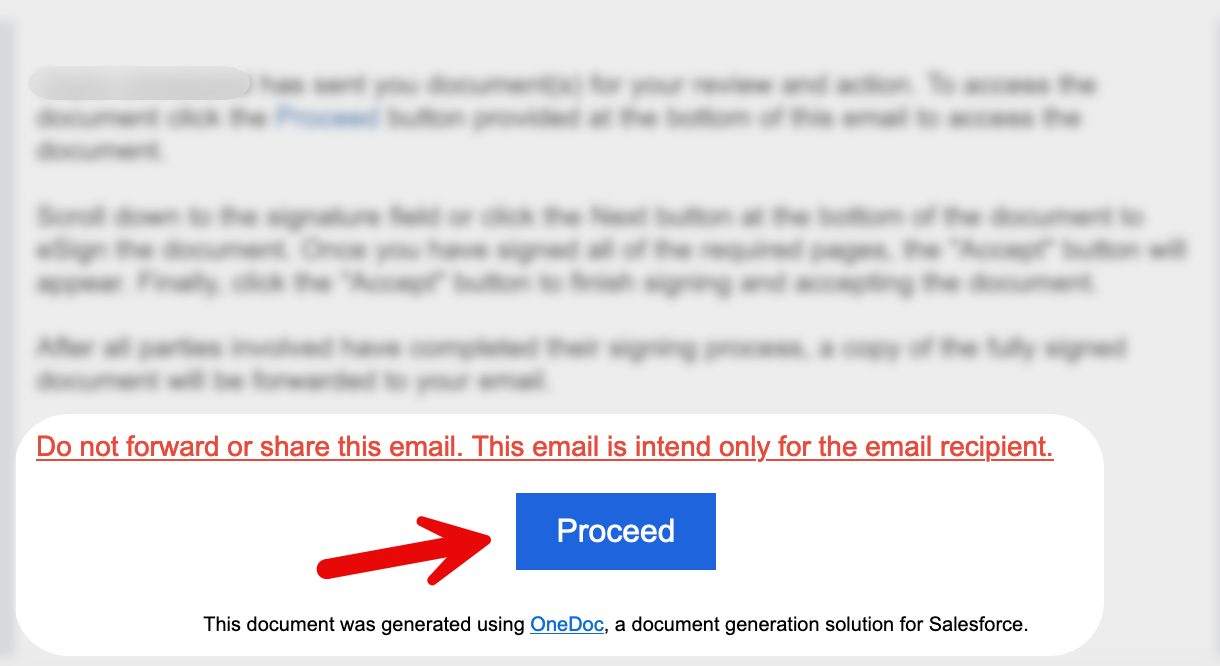
Step 1: Accessing the Document
Click the 'Proceed' Link: To open the document, begin by clicking the 'Proceed' link received in your email. This link will redirect you to the document within OneDoc.